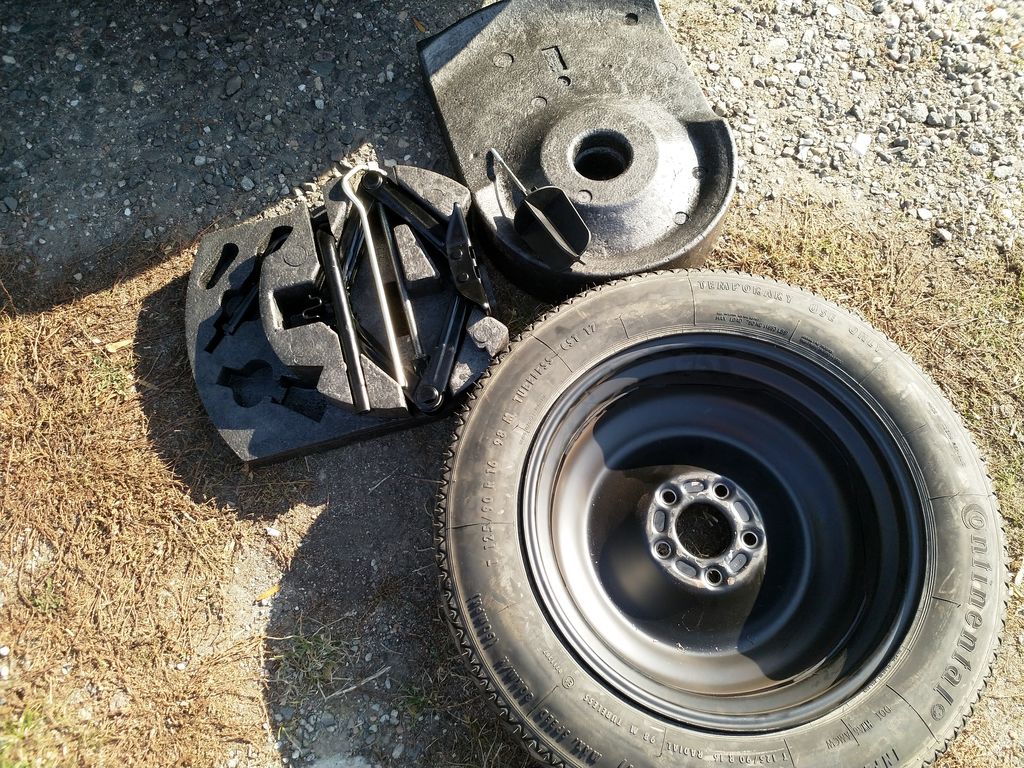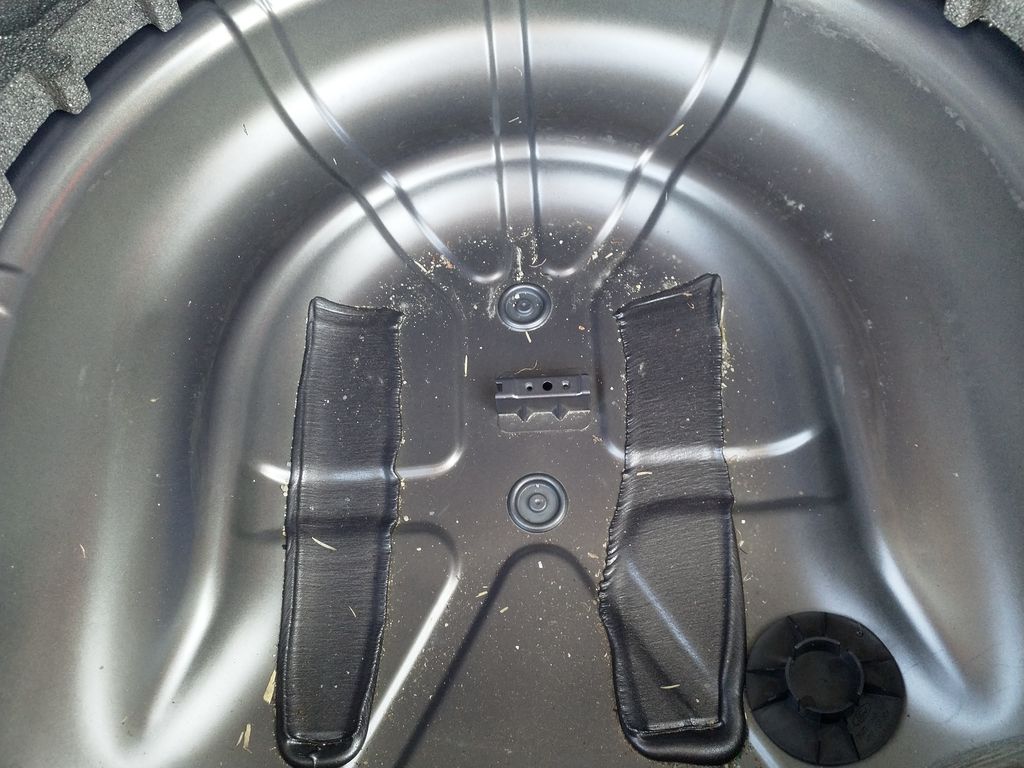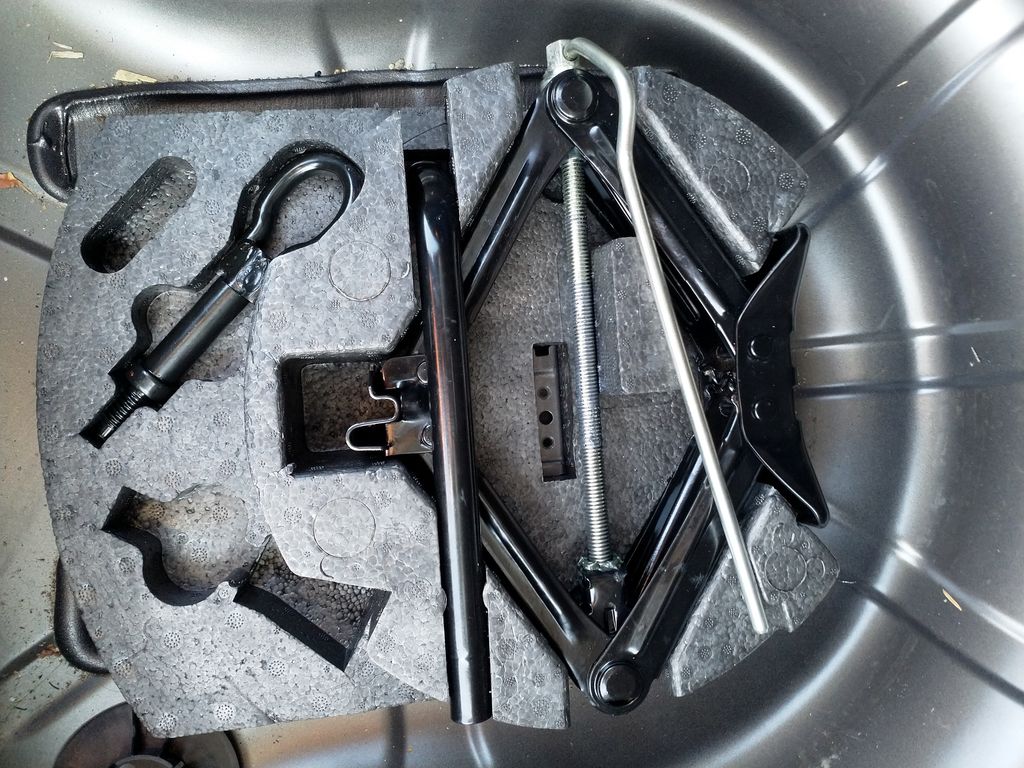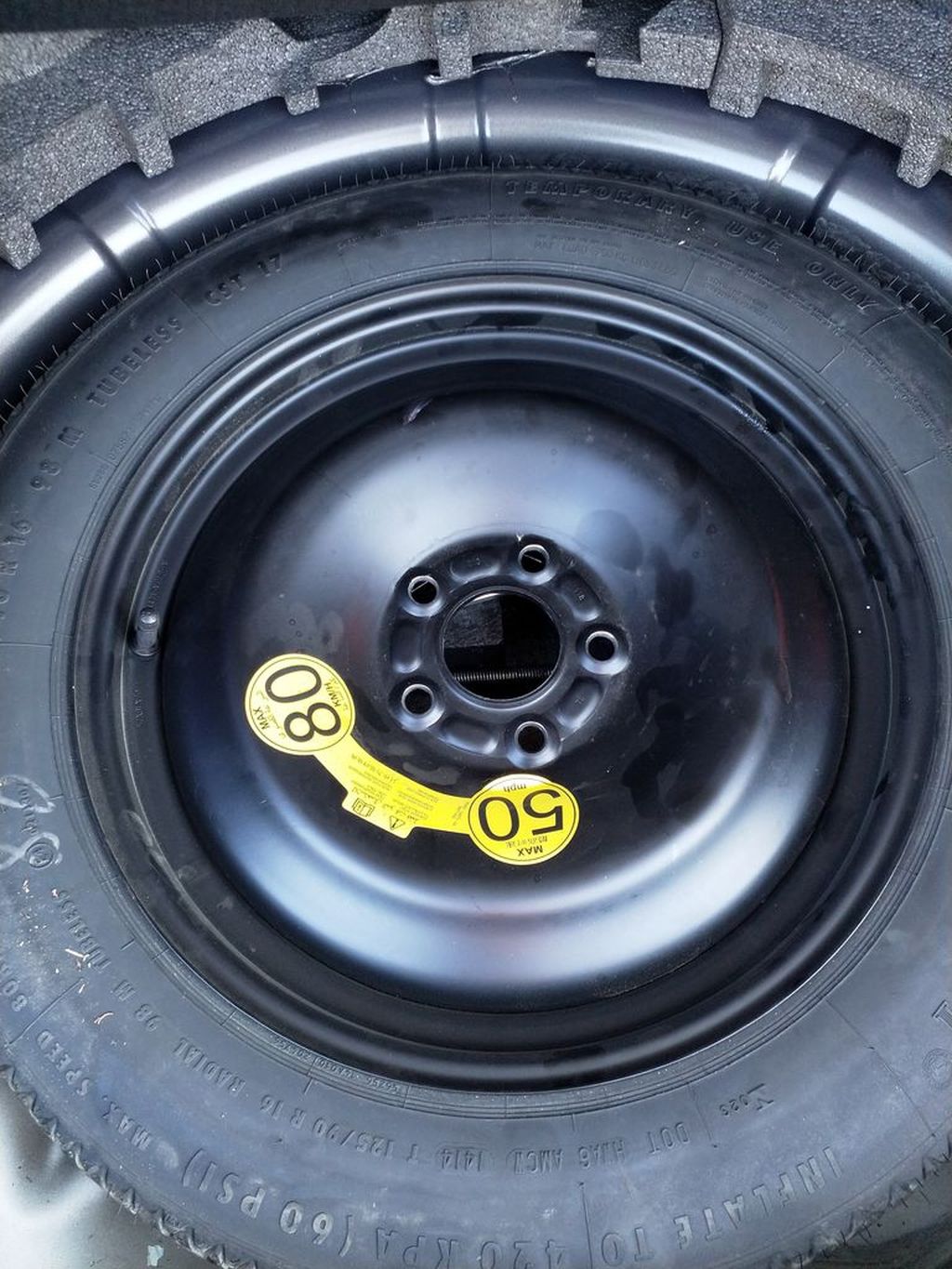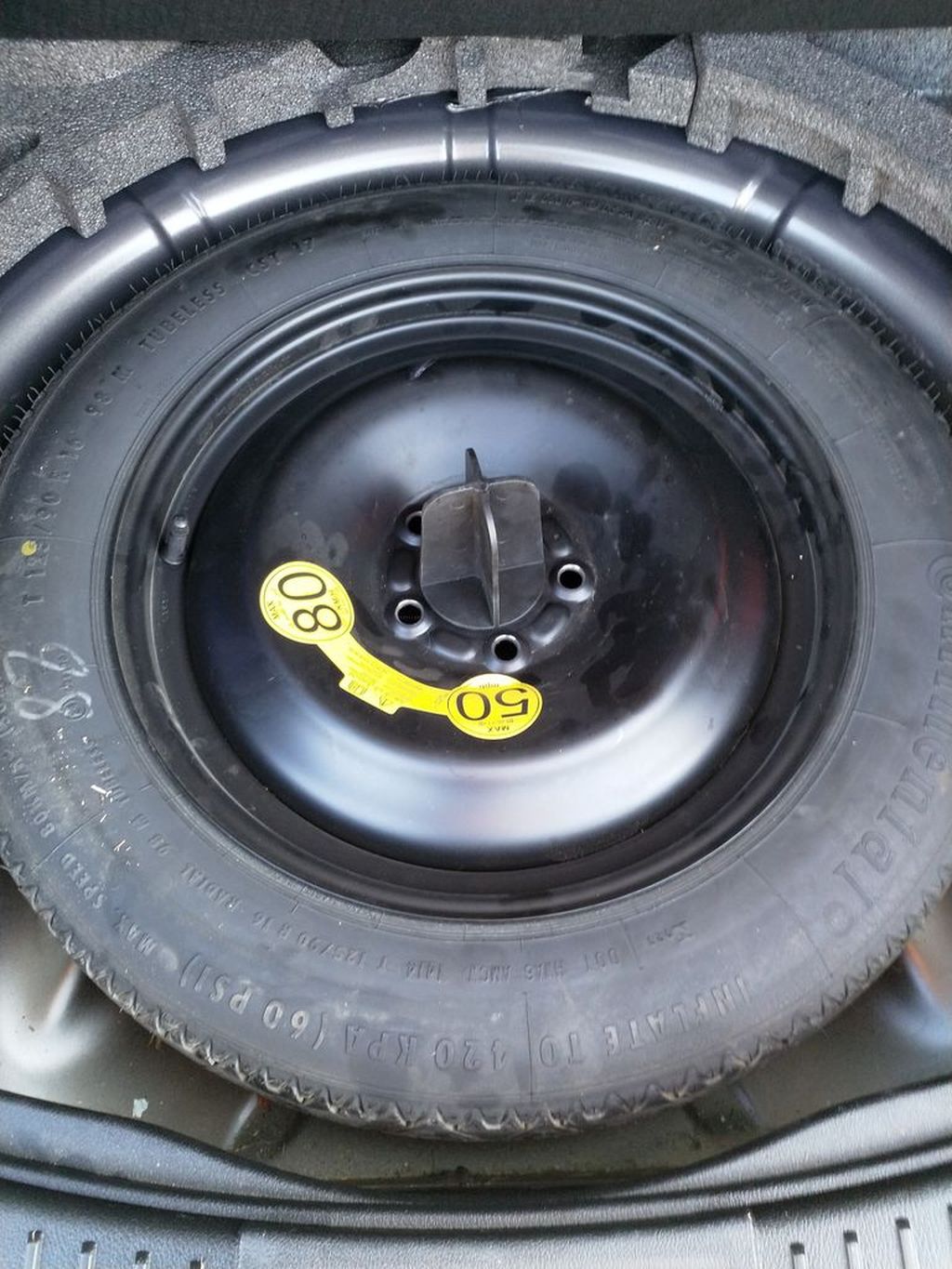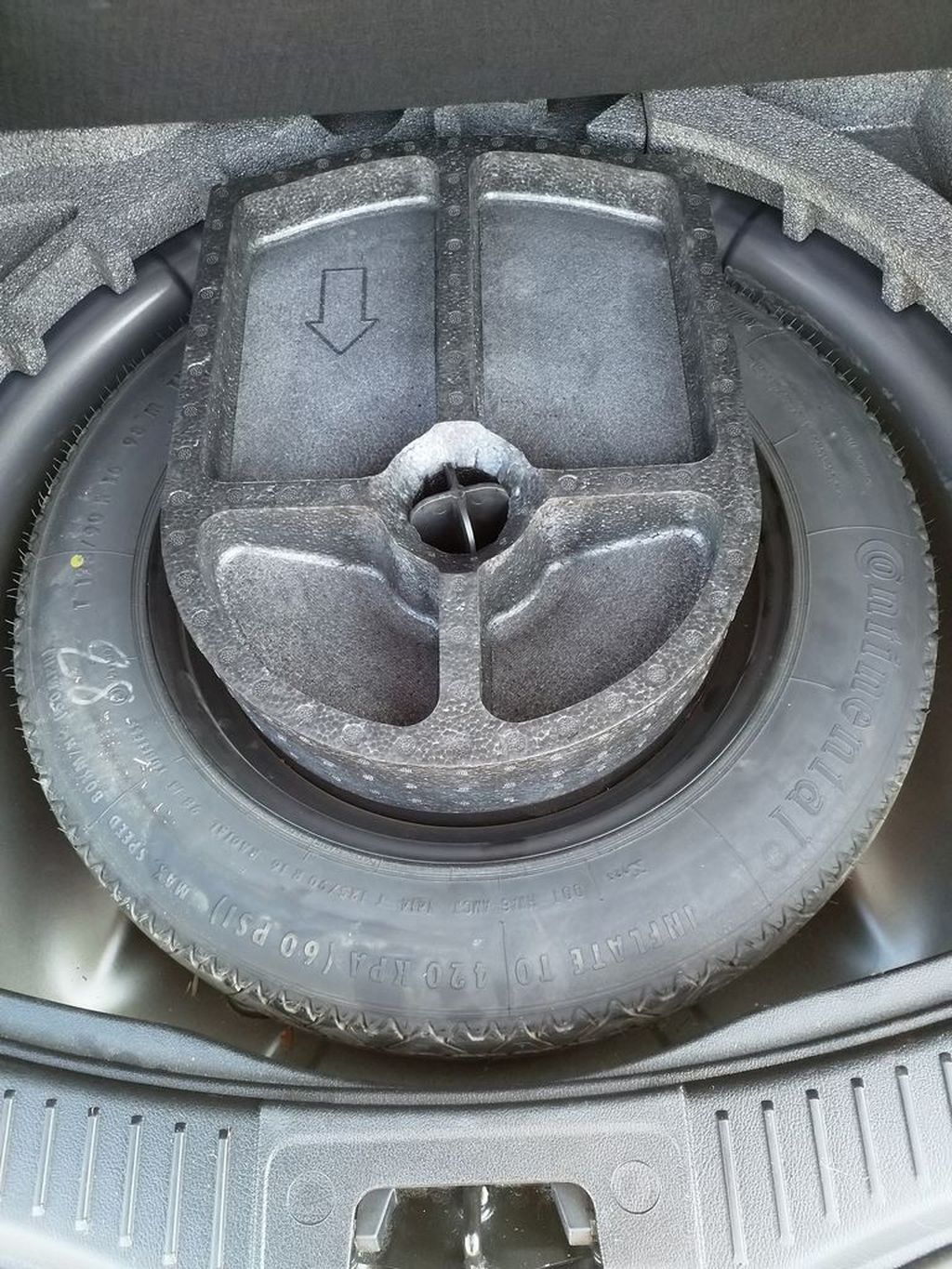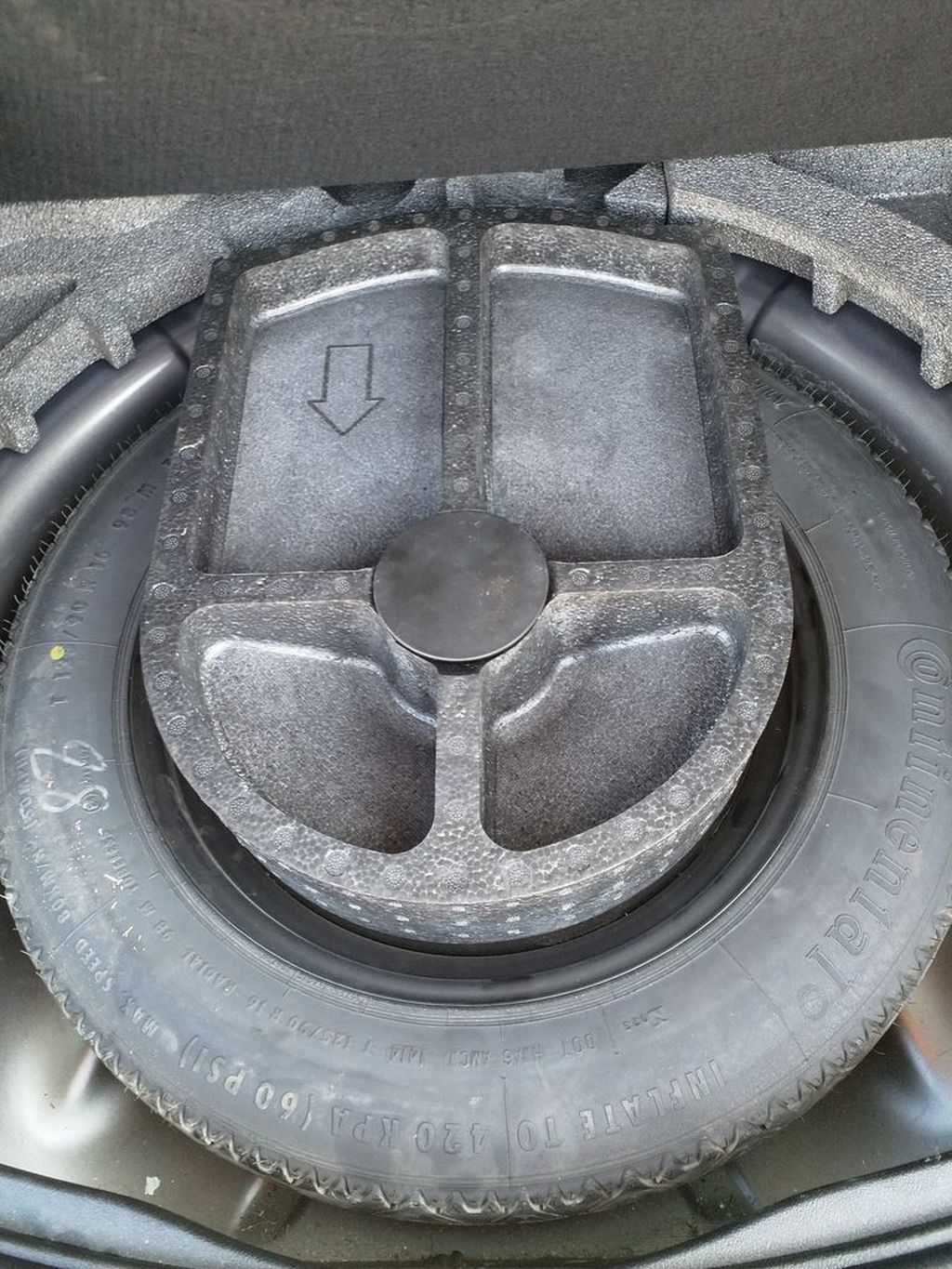
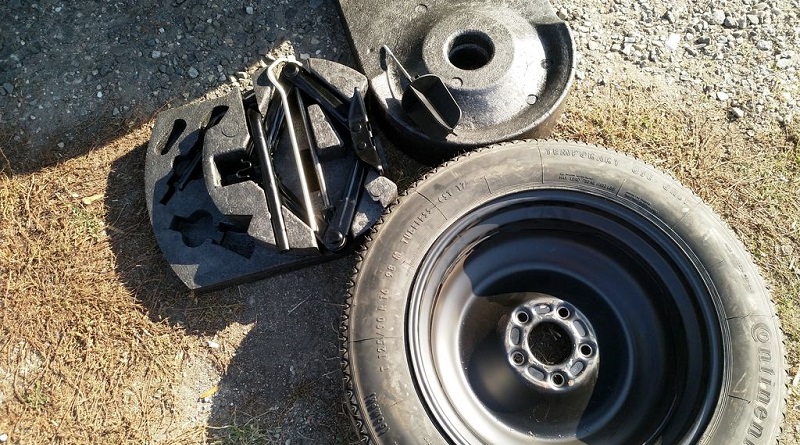
I stuck the tire of my car so I used a spare wheel until I bought new tire. When the original wheel was replaced I had a trouble to fit the spare wheel back in a boot. I took a series of pictures how to do it if you face the same trouble.
Máte také problém, jak umístit zpátky rezervní kolo do Fordu Mondeo? Prohlédněte si galerii.
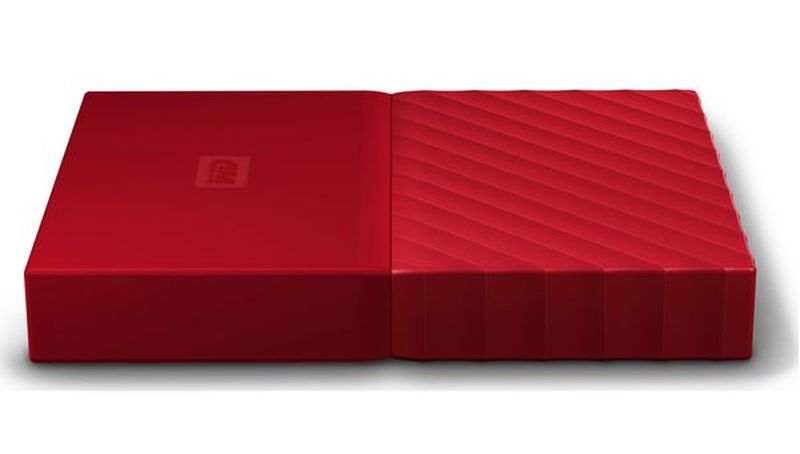
I bought new portable hard disk – Western Digital My passport with 2 TB. I copied all my movies from old disk and plugged new disk to Samsung TV (C series). It said that there are no movies on the disk. After some investigation I found a discussion with a solution. I had to clear the disk from existing partitions, change disk type to simple („Change to MBR“) from dynamic and create new partition. When I copied some movie and plugged the disk again the TV has found it! Next day I have realized that my child has removed the backup from the old disk. So I have plenty of space now.
Blog bitcoin address: 1GQBYqZwiHT72UrLCCSv4j6WkK65FjTPJk

I am used to use XnView when preparing yearly photobook. I rename all pictures to have Date taken exif attribute encoded in a file name along with a counter within the year. But recently I noticed two problems: some pictures miss exif data and XnView does not sort pictures correctly by this attribute (e.g. summer picture between autumn pictures). I googled that ExifTools library can handle my tasks as well. Another helpful site ryanmo gave me a hint, how to use it.
I copied files without exif data into new directory. Set Date taken exif attribute from file timestamp, preserving original timestamp:
exiftool.exe "-AllDates<filemodifydate" -P .
Some files had wrong timestamp, so I had to set rough value manually:
exiftool "-AllDates=2015:05:09 12:00:00" .
Then I copied resulting files back to other pictures. Rename all files in current directory using exif Date taken attribute, add a counter that is ordered by Date taken attribute.
exiftool "-FileName<DateTimeOriginal" -d "foto-%Y-%m-%d_%H%M%%-C.%%e" -fileOrder DateTimeOriginal .
And the result is:
foto-2015-11-14_1614-1050.jpg
foto-2015-11-14_1614-1051.jpg
foto-2015-11-14_1713-1052.jpg
foto-2015-11-14_1713-1053.jpg
Update: XnView sorting issue was fixed with Options / File list, tab Misc, Exif date used to sort -> Date taken.
Blog bitcoin address: 1GQBYqZwiHT72UrLCCSv4j6WkK65FjTPJk
Sometimes you need to shut down a computer after a while. For example there is a file downloading and you do not want to stay up late. You know that the task will be complete in an hour. But how to shut down the computer automatically? (Pokračování textu…)
I encountered a situation when starting up Google Drive failed in few seconds without evident reason. I just saw disabled Google Drive icon for a while and then it disappeared. I found logs sitting at \AppData\Local\Google\Drive\sync_log.log location and there was:
2014-09-30 21:20:37,013 +0200 INFO pid=4864 9492:MainThread logging:1612 Setting Omaha usage flag in registry
2014-09-30 21:20:37,013 +0200 ERROR pid=4864 9492:MainThread logging:1586 ERROR, UNEXPECTED EXCEPTION
2014-09-30 21:20:37,013 +0200 ERROR pid=4864 9492:MainThread logging:1586 (5, 'CreateEvent', 'Access denied.')
Traceback (most recent call last):
File "<string>", line 249, in Main
File "common.wx_sync_app_controller", line 115, in Initialize
File "common.sync_app_controller", line 145, in _RunAsyncCallbackWithExceptionHandling
File "common.wx_sync_app_controller", line 131, in _InitializeAsync
File "windows.win_sync_app_controller", line 155, in _InitializeEvents
File "windows.win_sync_app_controller", line 249, in _CreateEvent
error: (5, 'CreateEvent', 'P\xf8\xedstup byl odep\xf8en.')
2014-09-30 21:20:37,015 +0200 INFO pid=4864 9492:MainThread logging:1612 Crash reporting disabled. Ignoring report.
2014-09-30 21:20:37,016 +0200 INFO pid=4864 9492:MainThread logging:1612 Exiting with error code: 0
Not very helpful. Though I found some discussion about possibility to install Google Drive multiple times on single computer. I am the only power user on my notebook so I know that this is not the cause because there is just single installation. But I logged in my wife’s account and there was the Drive running (but not configured). So I stopped the process and returned to my account. Next attempt to start Google Drive was successful. So I found there can be single Google Drive process running on a computer.
Blog bitcoin address: 1GQBYqZwiHT72UrLCCSv4j6WkK65FjTPJk
I have developed and tested new web service. I used SoapUI for testing local endpoint. Next step was to deploy the service into testing environment. But suddenly I failed to connect to this endpoint. I was able to open its WSDL description in Firefox, but SoapUI failed with SSLPeerUnverifiedException: peer not authenticated. The setup was network with proxy and there was Apache proxy translating URLs for the service. There was many similar complaints on web but no solution. I tried many proposals like trusting the certificate (because StartCom is not trusted certification authority in Java) but nothing helped. Until I posted a question SoapUI fails to connect HTTPS (SSLPeerUnverifiedException) on StackOverflow. It lead me to solution:
bin/soapui.batJAVA_OPTS-Djsse.enableSNIExtension=falseThe reason for this behavior is explained in this answer:
Java 7 introduced SNI support which is enabled by default. I have found out that certain misconfigured servers send an „Unrecognized Name“ warning in the SSL handshake which is ignored by most clients… except for Java.
Blog bitcoin address: 1GQBYqZwiHT72UrLCCSv4j6WkK65FjTPJk